
I’m sharing a PDF internally with people who are authorized, and I need a version that opens without a password.
Solved by Unlock PDF
The Problem
Create a password-free version of an already authorized PDF to streamline internal sharing. This helps recipients open the file immediately without password prompts while maintaining a clear intent for internal, authorized use.
Screenshots

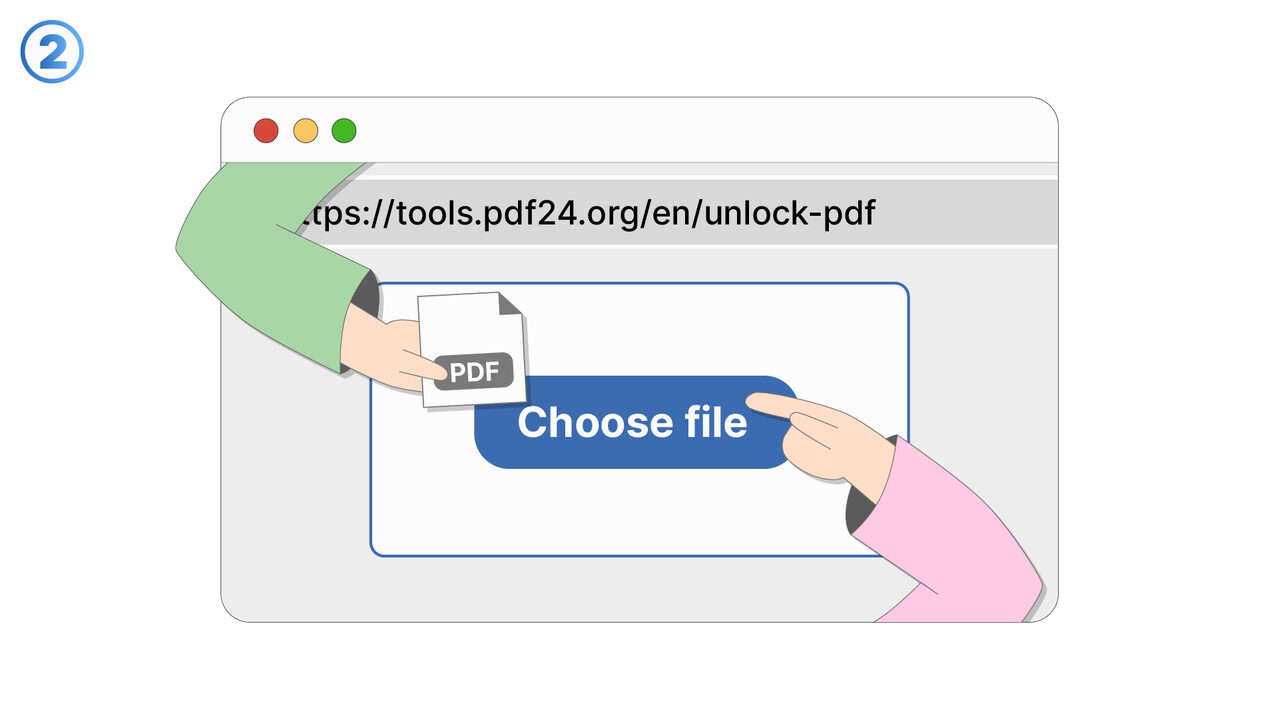
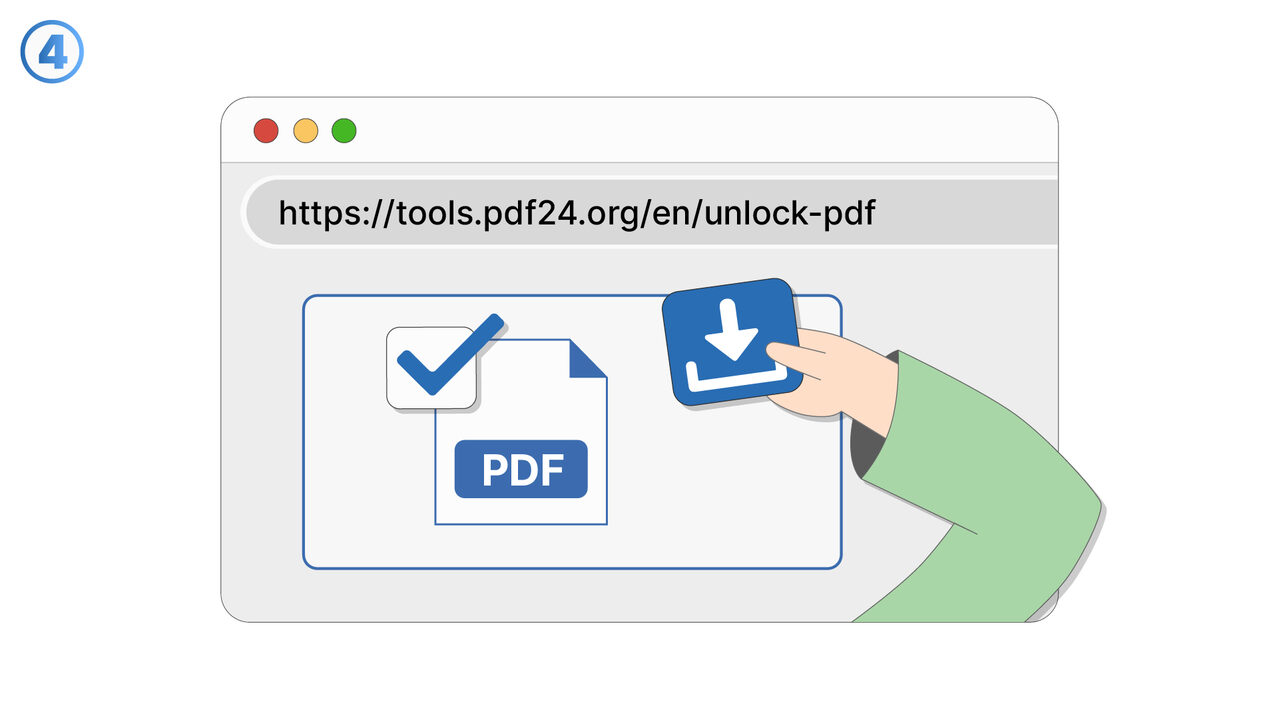
Try it
The Solution
This feature supports generating a version of a PDF that opens without requiring a password when you are sharing it internally with authorized recipients. It is intended for situations where password prompts create unnecessary friction in trusted, controlled environments. You can use it after confirming the audience is authorized and you want the document to be accessible without extra steps. The resulting PDF is easier to open on any device and reduces help requests related to forgotten or missing passwords. It also improves speed for routine workflows such as onboarding packets, internal policies, and team reference documents. The feature is useful when recipients need to search, view, or present the PDF quickly during meetings or operational tasks. It can also help when password prompts interfere with automated internal distribution systems or viewing in embedded tools. By producing a password-free copy for internal circulation, teams can balance usability with appropriate access decisions. This capability is best used alongside internal access controls (such as shared drives, permissions, or secure channels) to ensure only authorized people receive the file.
External Resource
https://cross-service-solutions.com/
Use this tool as a solution to the following problems
- I have a PDF I’m allowed to use, but I’m tired of typing the password every time I open it.
- I need to print a password-protected PDF, and the password prompt keeps interrupting the process.
- I want to import a secured PDF into another app, but it won’t work unless the password is removed.
- I saved a document with a password months ago, and now I want an unlocked copy for easier daily access.
- I’m trying to view a protected PDF on a device that doesn’t handle password prompts well.
- I need to combine this password-protected PDF with other PDFs, but it’s blocked until it’s unlocked.
- I have an approved workflow for this document, and password protection is slowing down routine processing.
- I want to archive a readable version of a PDF for quick reference while keeping the protected original.
Know a better solution? Let us know.
If you know of a tool or approach that could help people solve a problem we haven't covered yet, we'd love to hear about it.