GarageBand
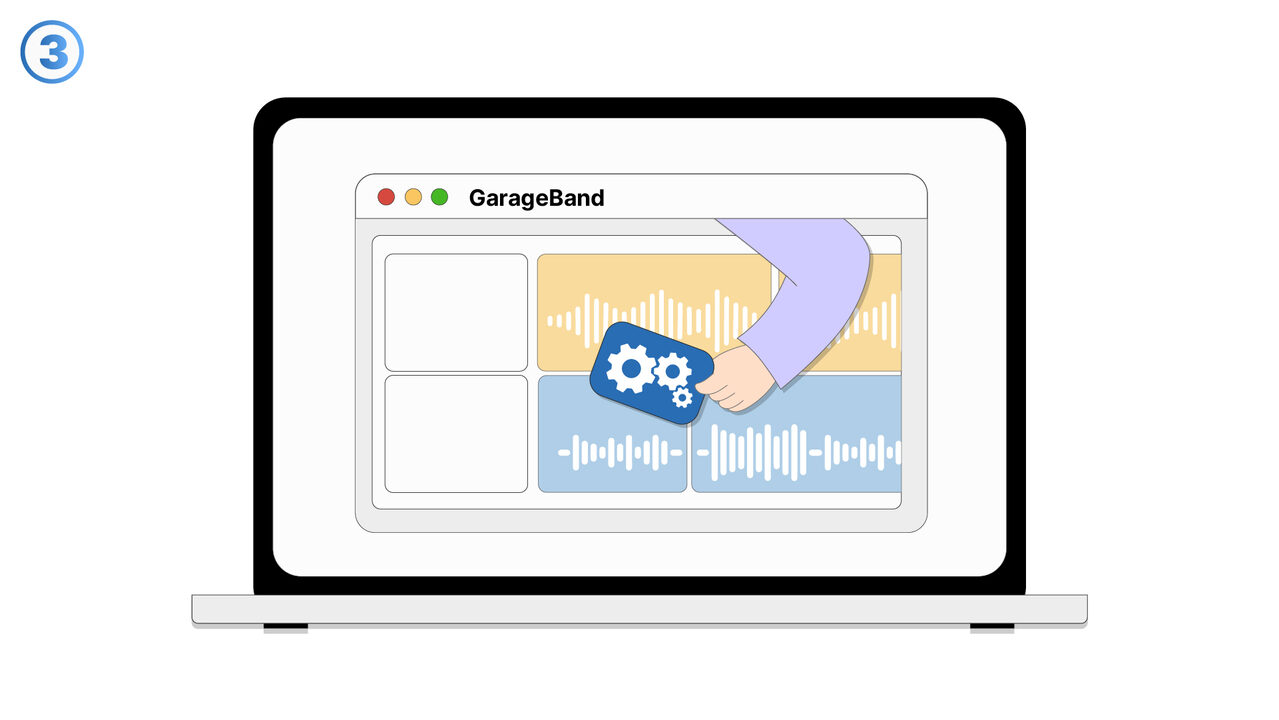
GarageBand is a music creation studio inside your Mac. It offers a variety of instruments and features to create and edit music. This tool also assists with recording and sharing projects.
概要
GarageBand
GarageBand is a fully equipped music creation studio right inside your Mac — with a complete sound library that includes instruments, presets for guitar and voice, and an incredible selection of session drummers and percussionists.
It is a brilliant tool for users to create music or podcasts efficiently.
Users can delve into a vast range of Touch Instruments and sounds that faithfully reproduce their real-world counterparts.
With GarageBand, users get the chance to play, record, and share their songs with the world.
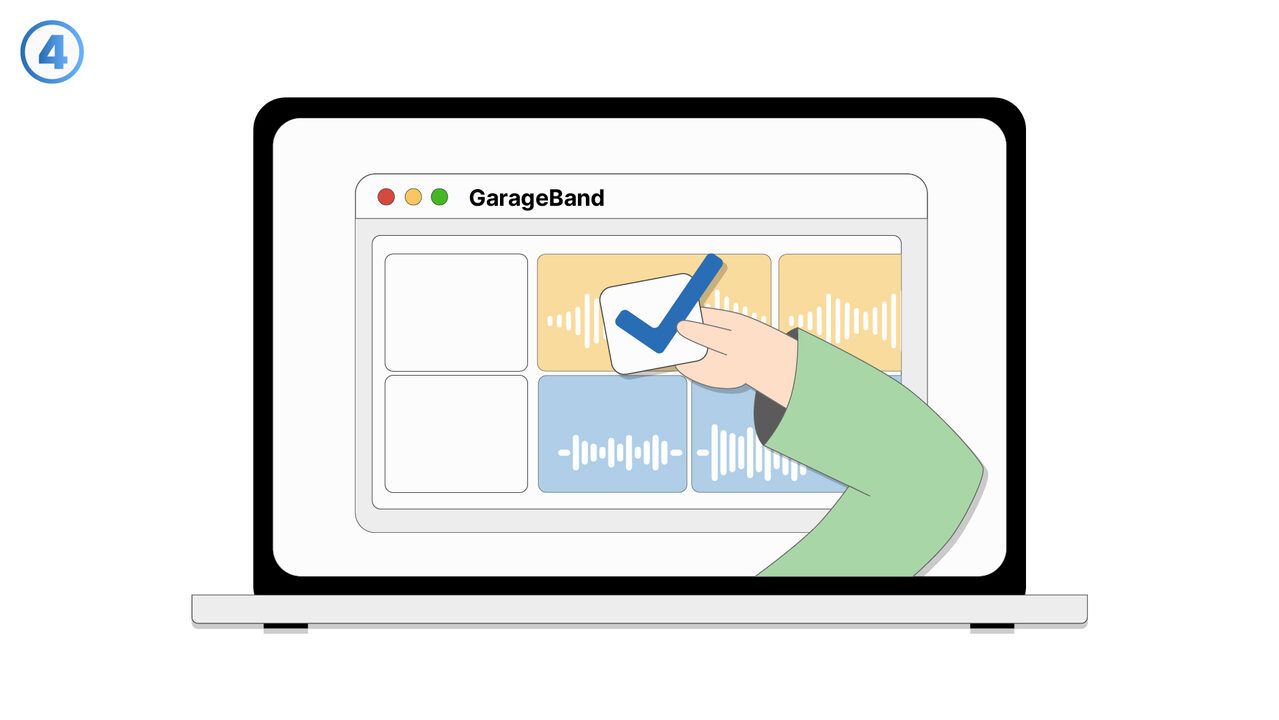
When manually adjusting, you can draw, edit, or delete individual notes.
Using GarageBand's arrangement tools, you can easily structure your song.
It is a tool that transforms your Mac into a full-featured recording studio.
Also, there are pre-recorded loops, or use drum designers to create custom beats.
スクリーンショット

ツールへのリンク
以下のリンクから問題の解決策をご覧ください。
外部リソース
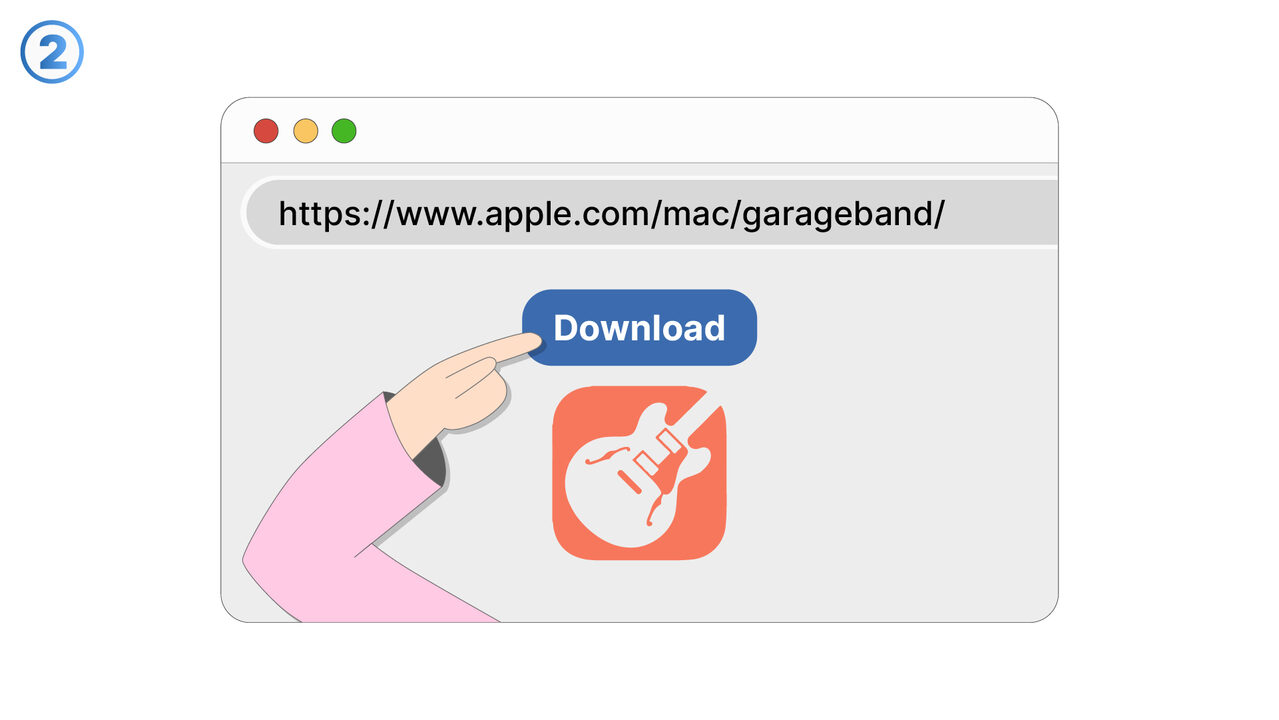
https://www.apple.com/mac/garageband/
新しいタブで開きます — MangoByte と提携していない外部サイトです
以下の問題の解決策としてこのツールをご活用ください
- I have problems composing music, as I do not own any musical instruments.
- I need a platform to create and distribute podcasts.
- I have problems recording and editing songs with GarageBand.
- I don't have access to a wide range of sounds and instruments in my music creation studio.
- I am having trouble creating my own beats with GarageBand.
- I'm having trouble editing my music effectively with GarageBand.
- I'm having problems sharing my songs professionally through GarageBand.
- I need a solution to be able to create music with virtual bands.
- I'm having trouble creating high-quality digital sounds with GarageBand.
- I am missing instructions for music production in GarageBand.
より良い解決策をご存知ですか? お知らせください。
まだ取り上げていない問題を解決できるツールやアプローチをご存知でしたら、ぜひお知らせください。