問題
ページ番号のないPDFを扱うと、特に正確さと迅速な情報アクセスが求められる専門的・学術的な場面において、混乱や非効率が生じることがあります。ページ番号がないと、文書の特定の箇所を指し示す明確な方法がないため、議論や情報交換が困難になります。文書が頻繁に共有され、共同で使用されるチームでは、これが誤解を招き、エラー率の上昇につながる可能性があります。
スクリーンショット
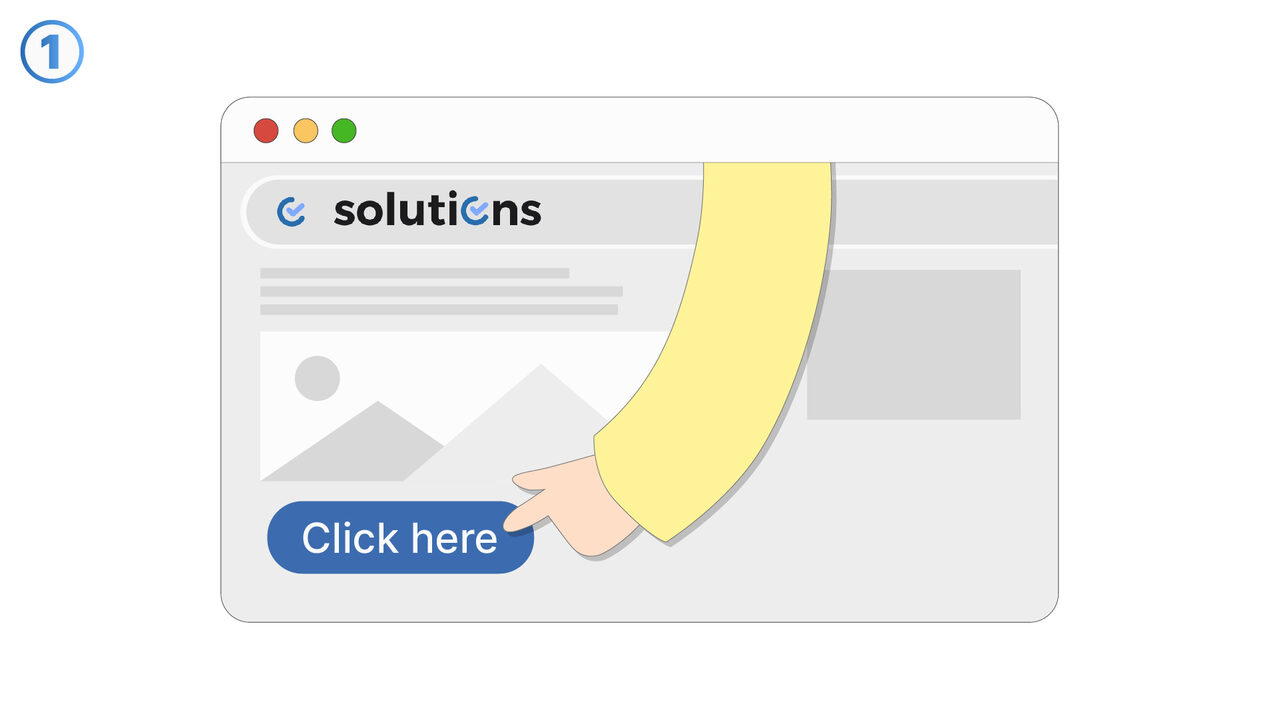
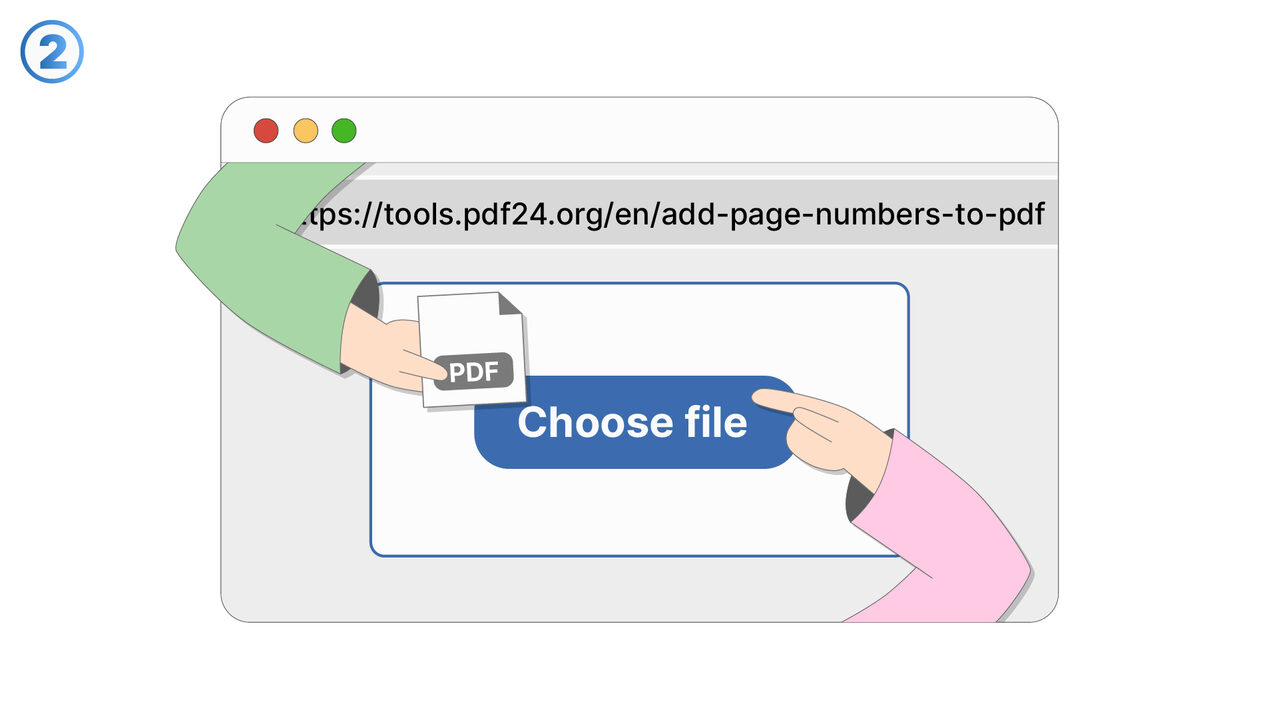
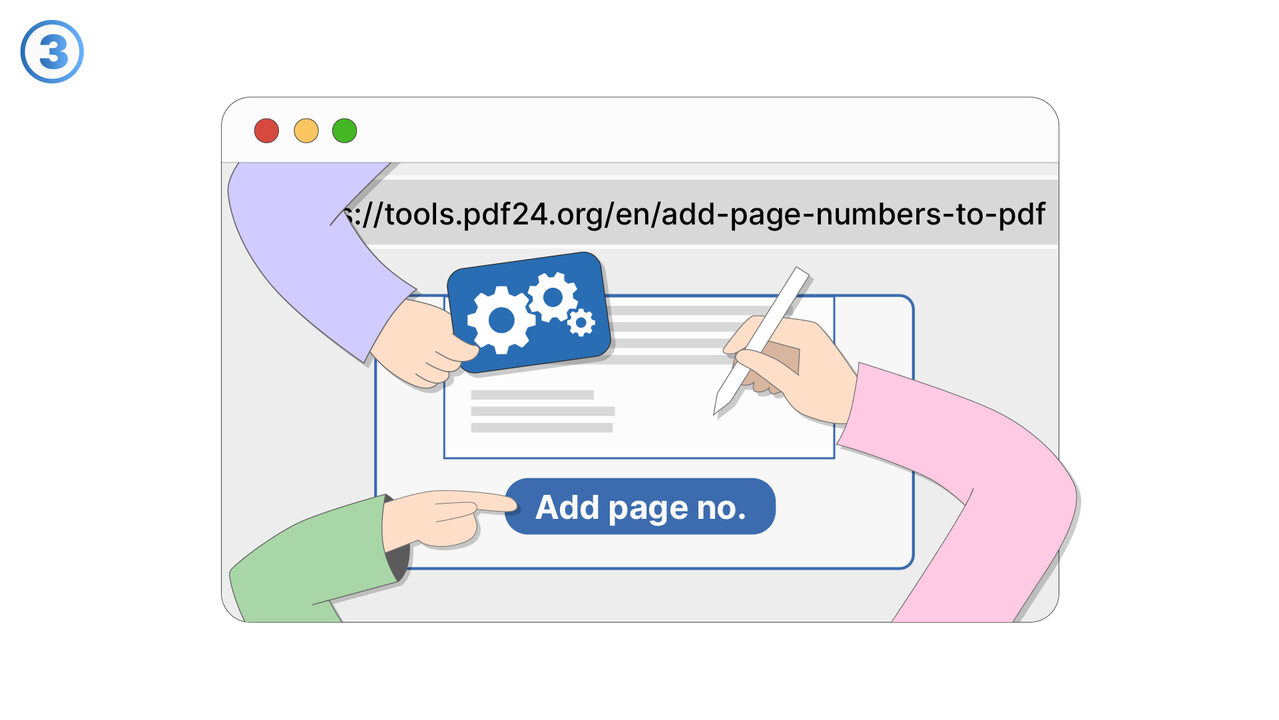
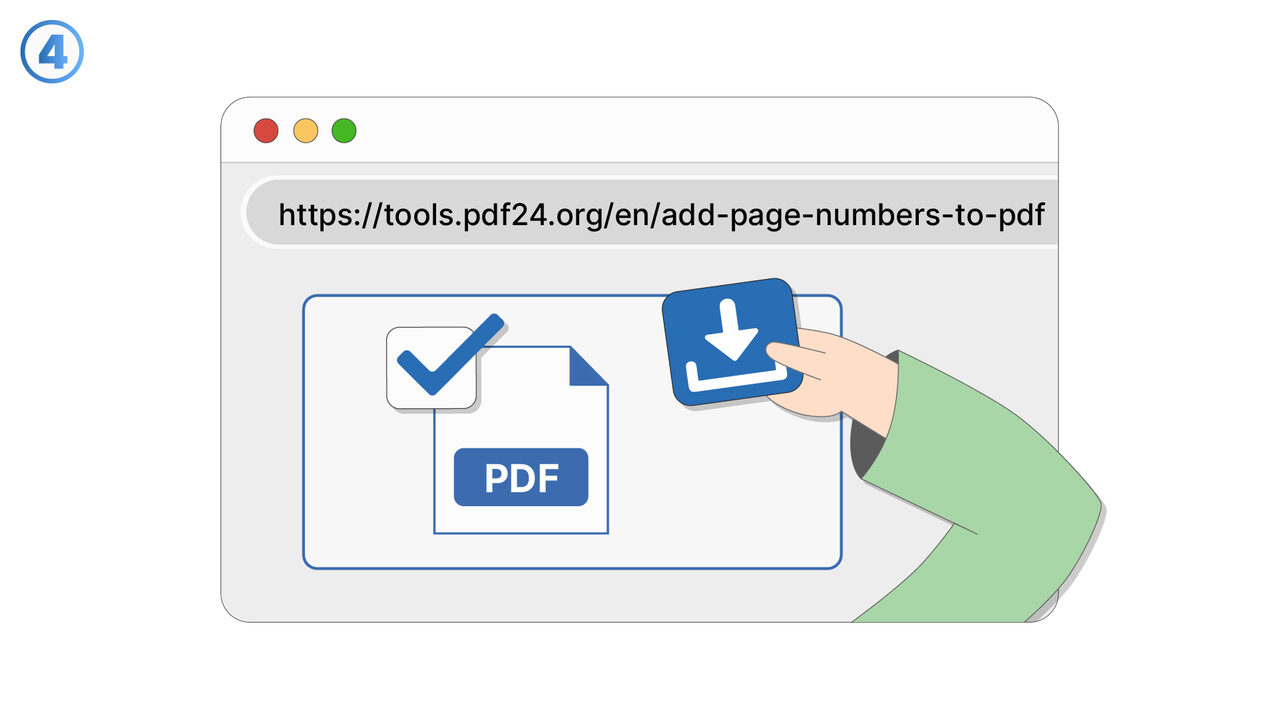
/
4
解決策
PDF24ツールを使用すると、ユーザーは文書にページ番号を素早く簡単に追加でき、明確で一貫した参照が可能になります。ファイルをツールにアップロードした後、ユーザーは文書全体のデザインに合わせてページ番号の位置や形式を調整できます。これにより、文書の読みやすさとナビゲーションが向上するだけでなく、各参加者が特定のページを簡単に参照できるようになるため、チームやグループ内での共有や議論が円滑になります。
外部リソース
https://tools.pdf24.org/en/add-page-numbers-to-pdf
AI搭載ディレクトリ
より良い解決策をご存知ですか? お知らせください。
まだ取り上げていない問題を解決できるツールやアプローチをご存知でしたら、ぜひお知らせください。
数千人のプロフェッショナルを支援
48時間以内にレビュー
コントリビューターとしてクレジット取得